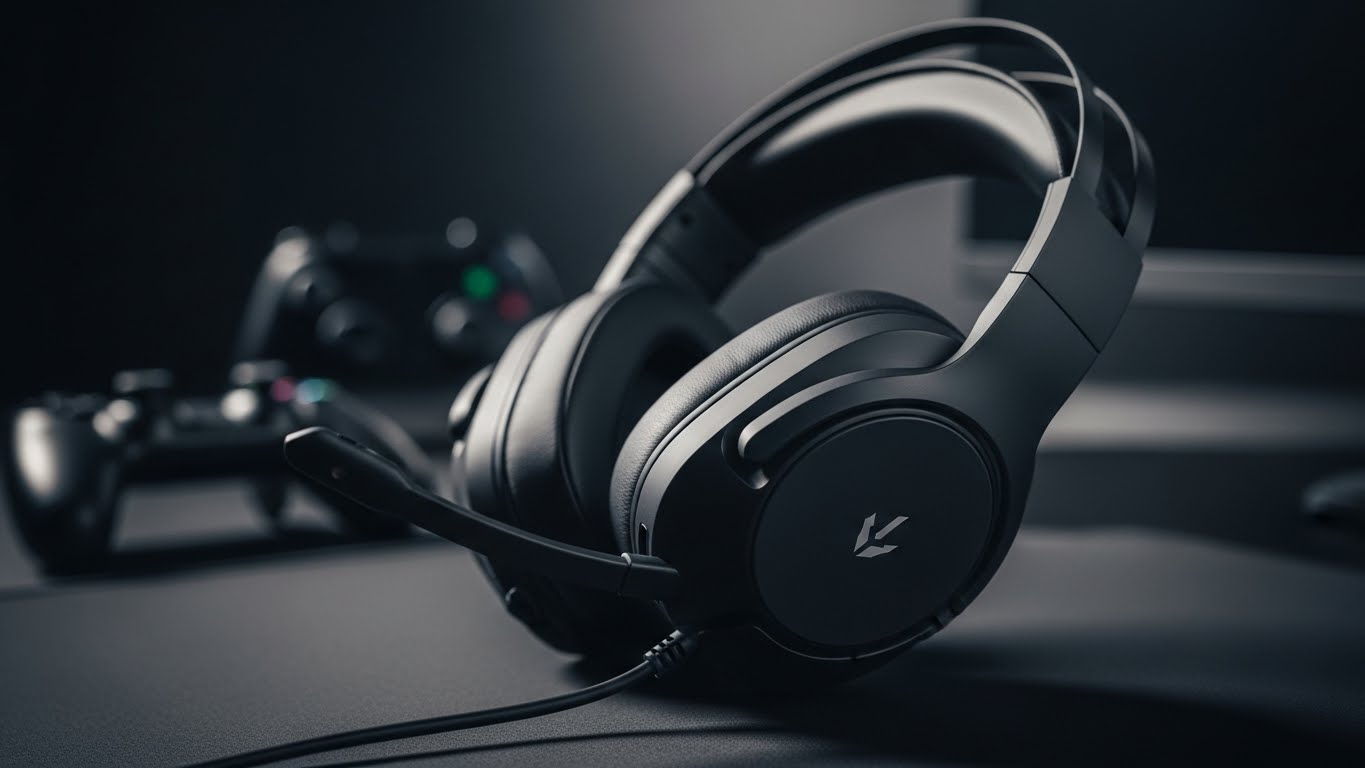
If you’re trying to hear footsteps clearly, “loud” doesn’t help—clean mids, accurate positioning, and comfort do.
A good headset should let you pinpoint direction fast without squeezing your head after an hour.
Here are four strong picks (kept in the same order), with honest pros/cons and the best overall choice.
What actually improves footstep clarity
- Imaging & separation: how well the headset places sounds left/right/front/back.
- Tuned mids: footsteps live in the midrange; too much bass can mask them.
- Comfort for long sessions: clamping force, earcup depth, and padding matter more than RGB.
- Mic quality + monitoring: clear comms without sounding muffled.
- Connection type: wired is simplest; 2.4GHz wireless is usually better than Bluetooth for latency.
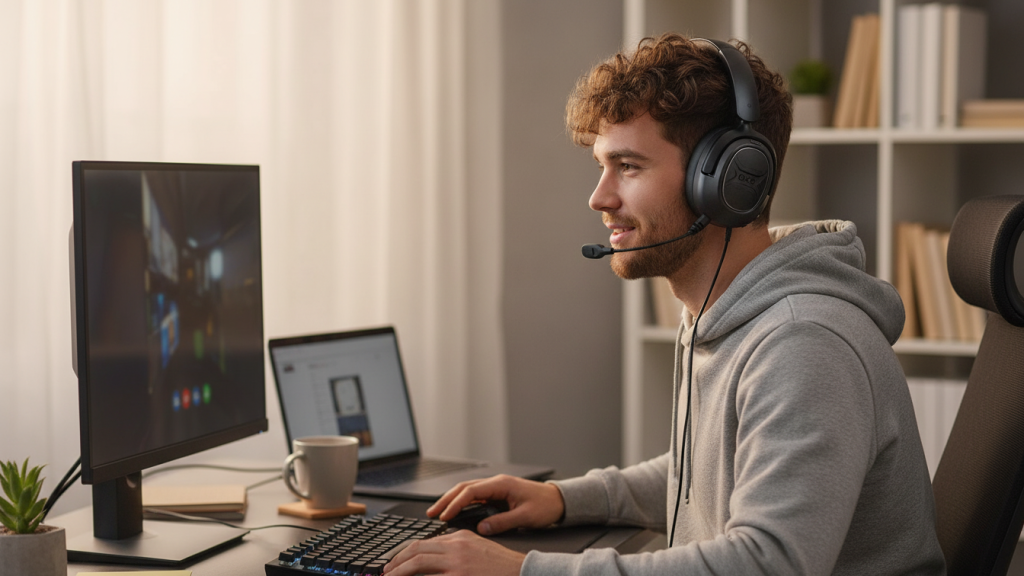
1) OXS A2 Wireless Gaming Headset (Bluetooth 5.4 + 2.4GHz, ANC, Dual EQ, 70H)
Overview
A feature-heavy wireless headset with both 2.4GHz low-latency and Bluetooth, plus ANC and EQ modes—built for people who want one headset across devices.
Standout features
- Dual wireless modes: 2.4GHz + Bluetooth 5.4
- Active noise cancellation (helps reduce constant background noise)
- Dual EQ modes for quick tuning
Pros
- Flexible for multi-device setups (PC/console/mobile)
- 2.4GHz option is the better choice for competitive play
- Long playtime is convenient for daily use
Cons
- ANC is nice, but competitive footsteps still depend mostly on tuning/imaging
- Wireless headsets can vary in mic clarity vs top wired options
- You may need to EQ down bass to make footsteps pop
Best for: Players who want wireless freedom + features and switch between platforms often.
2) OXS Storm G2 Wireless Gaming Headset (2.4G Low Latency, 7.1 Virtual Surround, 50mm, RGB)
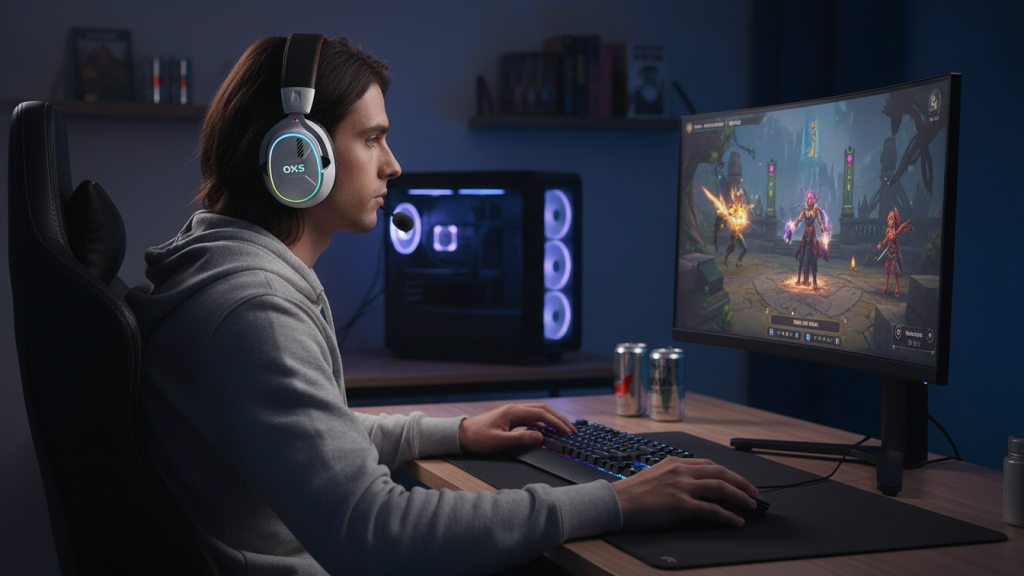
Overview
A more gaming-styled wireless pick that leans into virtual surround and EQ modes, with 2.4G low latency for responsiveness.
Standout features
- 2.4G low latency connection
- 7.1 virtual surround option
- Multiple EQ modes + RGB
Pros
- Great “plug in and game” wireless convenience
- Surround mode can help some players with direction cues (especially in casual play)
- Good value if you want features without going premium
Cons
- Virtual surround can also make some games sound less natural—best used as an option, not mandatory
- Imaging for footsteps can be hit-or-miss depending on your game + EQ
- Comfort depends on clamp force and earcup fit (varies by head size)
Best for: Players who like wireless + surround features for immersive gaming and occasional competitive sessions.
3) Razer BlackShark V2 X (Wired 3.5mm, 50mm Drivers, Cardioid Mic)
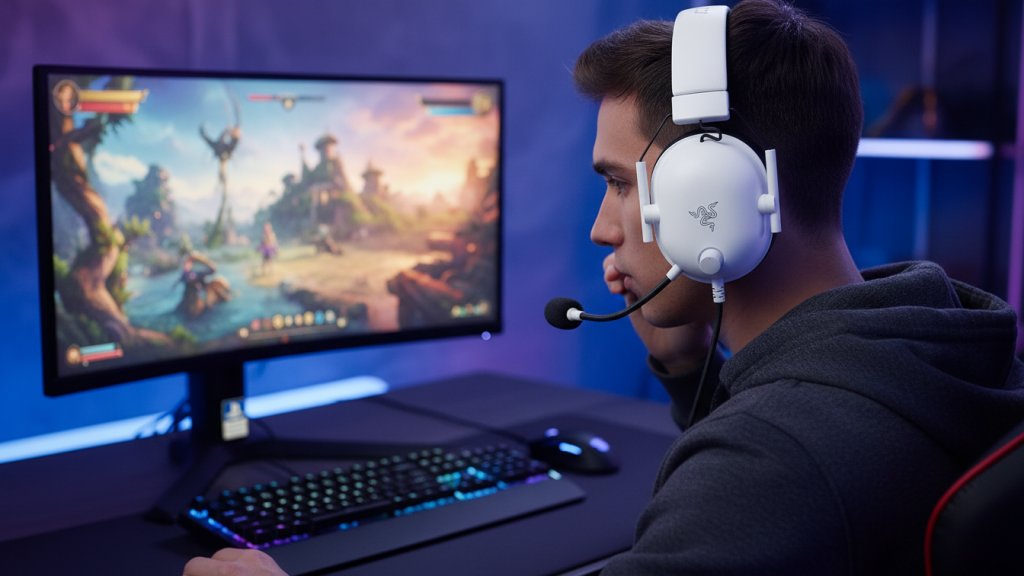
Overview
A wired classic that’s simple, lightweight, and widely used because it delivers clear positioning without overcomplicating things.
Standout features
- 3.5mm wired connection (easy for PC/console controllers)
- Cardioid mic for voice pickup
- Lightweight build aimed at comfort
Pros
- Wired connection = consistent, no charging, no wireless dropouts
- Usually strong for footsteps once you reduce extra bass (if needed)
- Comfortable for long sessions for many users
Cons
- No wireless freedom
- You’ll rely more on in-game audio settings/EQ rather than headset features
- Cable management can be annoying if you move around a lot
Best for: Competitive players who want a reliable, affordable wired headset with solid positional audio.
4) HyperX Cloud III (Wired, Angled 53mm Drivers, DTS Spatial Audio, USB-C/USB-A/3.5mm)
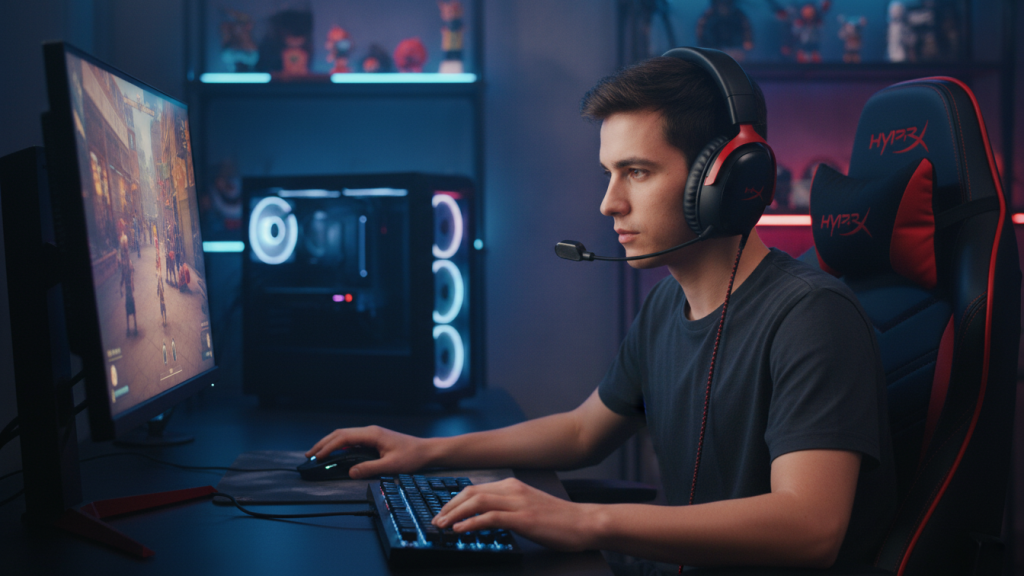
Overview
A comfort-forward wired headset with broad compatibility and spatial audio support, aimed at long sessions and clean, controlled sound.
Standout features
- Angled 53mm drivers (helps with sound staging in many headsets)
- DTS Spatial Audio support
- Multiple connection options listed: USB-C, USB-A, 3.5mm
Pros
- Excellent choice for long sessions (comfort is a major selling point here)
- Strong all-around sound for both competitive and single-player games
- Versatile connectivity across setups
Cons
- Spatial modes are preference-based—some players turn them off for more natural imaging
- Wired convenience comes with cable clutter
- Competitive tuning may still benefit from slight EQ (less bass, more mids)
Best for: Long gaming sessions where comfort matters as much as footstep clarity.
Quick comparison (who should buy what)
- Best overall for most players: HyperX Cloud III (comfort + balanced performance)
- Best budget wired for competitive play: Razer BlackShark V2 X
- Best wireless “feature-rich” option: OXS A2
- Best wireless immersive option (surround/EQ): OXS Storm G2
Best overall pick (optimal choice)
If your goal is footstep clarity + comfort across long sessions, and you want the safest recommendation:
✅ HyperX Cloud III — Best Overall.
It’s the strongest blend of comfort, clean audio, and broad compatibility—exactly what most people need for PC/PS5/Xbox play.
3 fast settings to hear footsteps better (works with any headset)
- In-game audio preset: choose “Headphones” or “Competitive/FPS” if available.
- Reduce bass slightly, boost mids a bit (footsteps live there).
- If surround/spatial sounds “weird,” turn it off and rely on stereo imaging.