A good USB mic is the fastest way to sound more professional on Zoom—and more “broadcast-ready” on streams.
You don’t need a studio. You need clear voice, low background noise, and easy controls you’ll actually use.
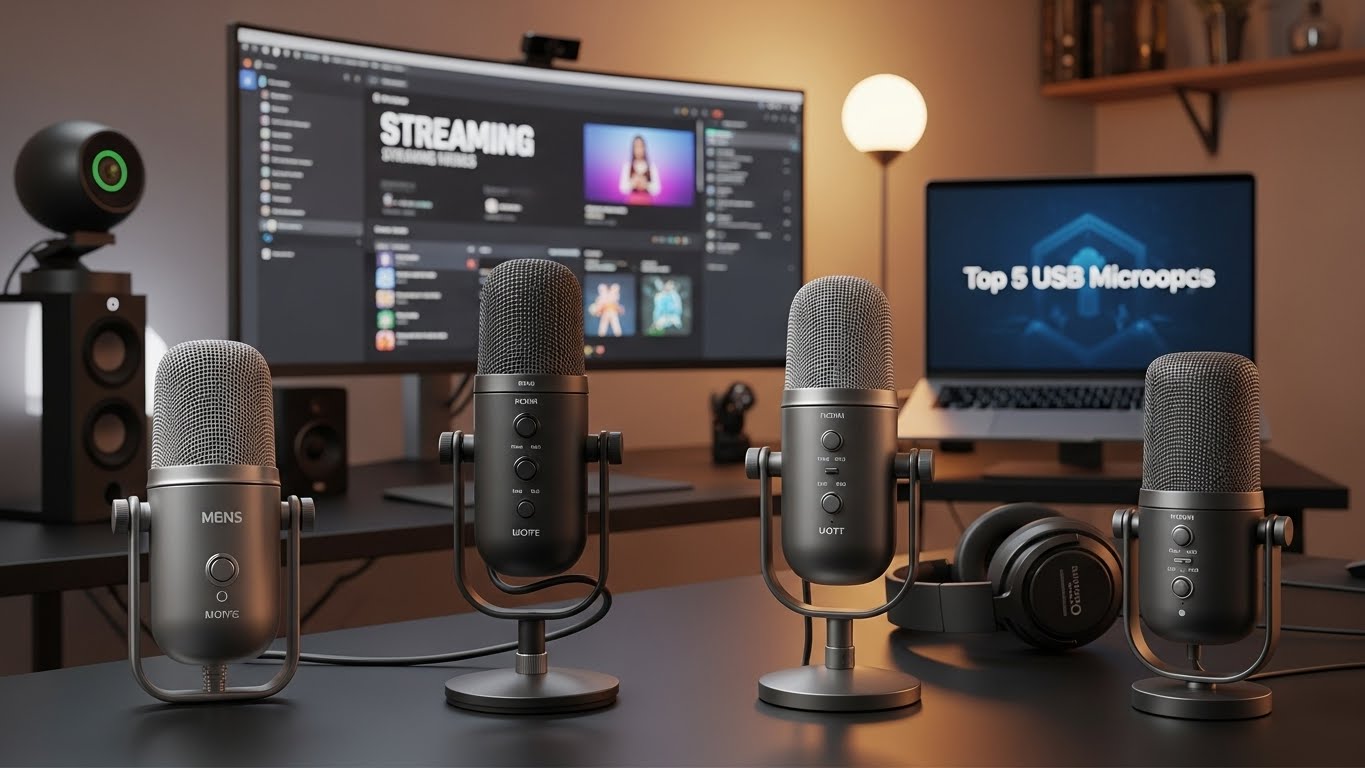
Here are 5 top USB mic picks (kept in the same order), with honest pros/cons and the best overall choice.
What to look for (Streaming + Meetings)
- Pickup pattern: Cardioid is the easiest for clean voice (rejects sound behind the mic).
- Headphone monitoring: Lets you hear yourself in real time (huge for streaming).
- Gain control + mute: Essential for quick adjustments mid-call.
- Pop filter / shock mount: Helps reduce plosives and desk bumps.
- Software support: Nice bonus for EQ, noise reduction, and presets.
The 5 Best USB Microphones
1) HyperX QuadCast S (RGB USB Condenser Mic)
Overview
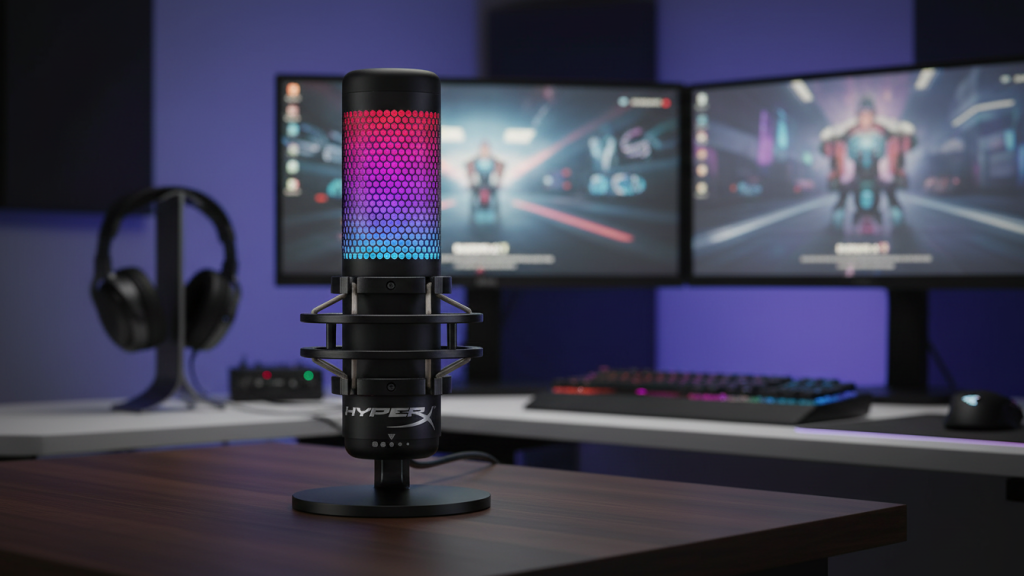
A popular “plug-and-play” mic for streamers that also works great for meetings thanks to strong vocal clarity and easy onboard controls.
Standout features
- Built-in shock mount (helps with desk vibrations)
- Tap-to-mute convenience
- Gain control + headphone monitoring
Pros
- Great clarity for streaming voice
- Easy to use, looks good on camera
- Shock mount helps reduce accidental bumps
Cons
- Condenser mics can pick up room noise if you sit far away
- RGB is fun, but not important for meetings
- Needs decent positioning to avoid keyboard noise
Best for: Streamers who want a clean, camera-friendly setup that still sounds great on calls.
2) Audio-Technica AT2020USB+ (Cardioid USB Condenser Mic)

Overview
A more “classic” audio pick: natural vocal tone, cardioid focus, and reliable performance for both work calls and content.
Standout features
- Cardioid pattern for focused voice pickup
- Headphone jack + volume control for monitoring
- Clean, professional sound profile
Pros
- Very natural voice tone (great for meetings and voiceovers)
- Strong long-term reliability
- Simple, no-nonsense design
Cons
- Less “on-mic” convenience than some streamer mics (depends on your workflow)
- Needs a good stand/boom arm position for best results
- Still sensitive to room echo if your space is untreated
Best for: People who care most about natural voice quality and want a mic that just performs.
3) Elgato Wave:3 (USB Condenser Mic + Software)
Overview
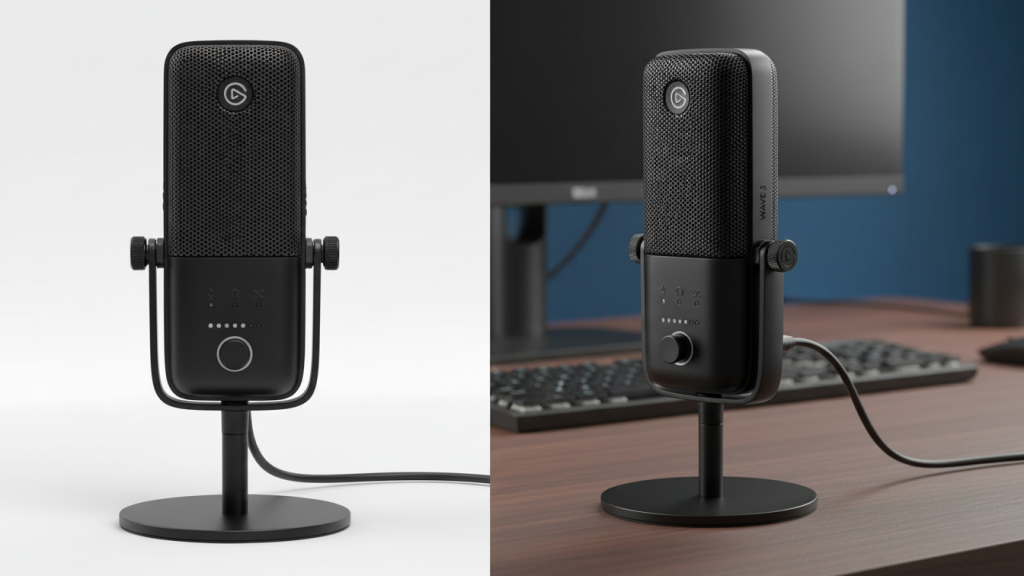
A smart choice if you want both good audio and strong software control. Elgato’s software can make managing stream + chat + music much easier.
Standout features
- Elgato software mixing tools (great for streaming workflows)
- Clean vocal clarity with strong control
- Plug-and-play for Mac/PC
Pros
- Excellent for streaming setups with multiple audio sources
- Easy to shape your sound with software tools
- Great balance of clarity and usability
Cons
- Software is a plus, but it’s another thing to learn
- Like most condensers, it will pick up room noise if your mic is far away
- Price can be higher than simpler USB mics
Best for: Streamers who want easy audio control and a clean, polished sound.
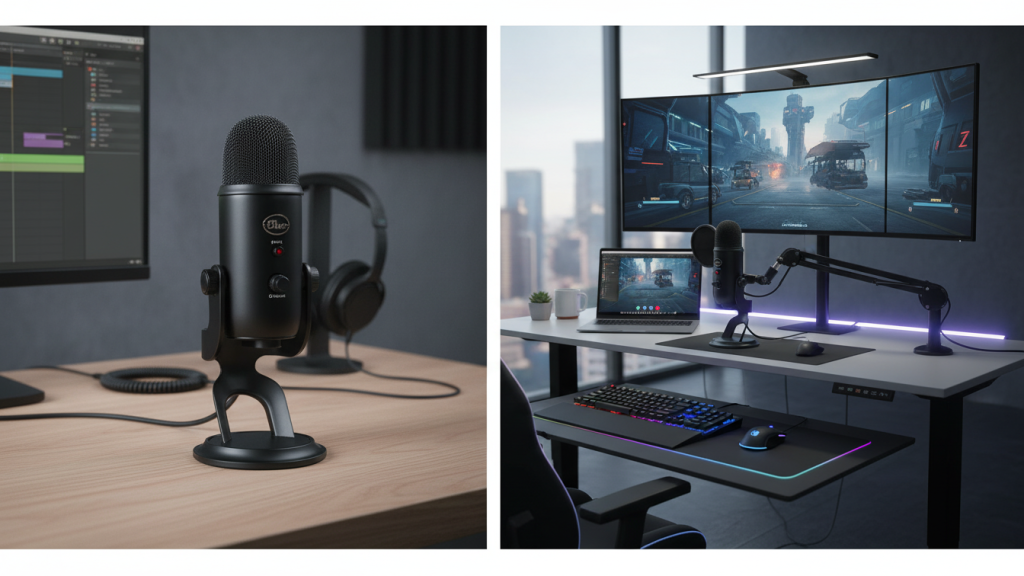
4) Blue Yeti (USB Microphone)
Overview
A classic USB mic that’s been around forever for a reason: it’s easy, flexible, and widely compatible for meetings and casual content.
Standout features
- Multiple pickup modes (useful if you know how to set them)
- Plug-and-play convenience
- Built-in controls and monitoring (varies by model)
Pros
- Great “first USB mic” for many people
- Strong voice clarity when positioned correctly
- Easy to find accessories and setup guides
Cons
- Can pick up more room noise if you use the wrong pickup mode
- Best performance requires good placement (close to mouth, slightly off-axis)
- Desk stands can transmit vibrations if you type hard
Best for: Beginners who want a proven, versatile USB mic for calls + light streaming.
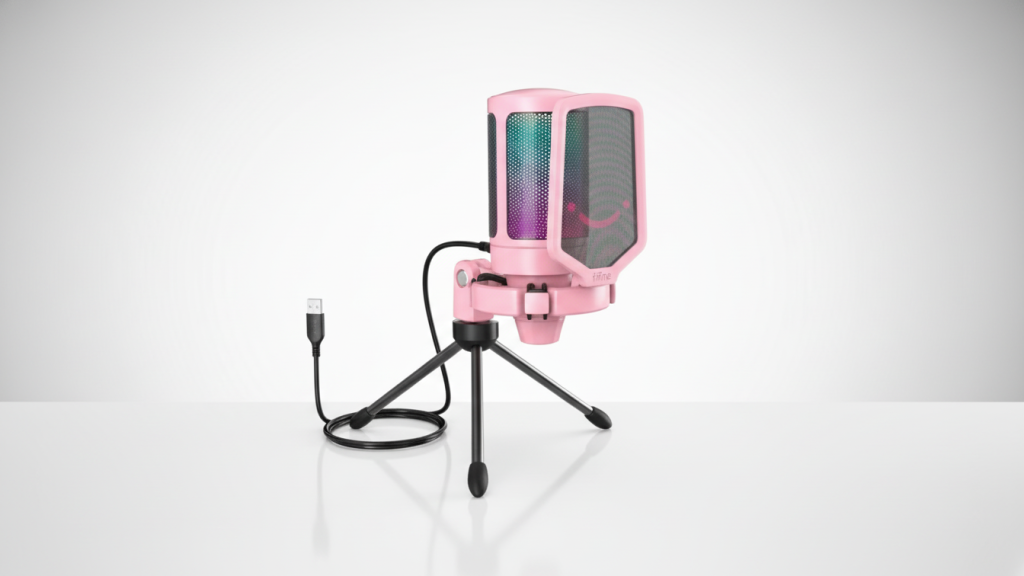
5) FIFINE Gaming USB Microphone Kit (RGB, Boom Arm Set)
Overview
A value-focused bundle that includes the extras many people end up buying anyway (boom arm, pop filter, etc.), making it a strong starter kit.
Standout features
- Often includes a boom arm and accessories
- Mute + gain controls (depending on kit)
- Plug-and-play, streaming-friendly look
Pros
- Great value if you need a full setup, not just a mic
- Boom arm helps positioning (which improves sound immediately)
- Easy entry point for streaming and meetings
Cons
- Not always as refined-sounding as premium microphones
- Accessories quality can vary by bundle
- You may want to upgrade later if you become serious about audio
Best for: Budget setups where you want everything you need in one purchase.
Quick comparison: which one should you buy?
Best Overall (Streaming + Meetings): ✅ Elgato Wave:3
Great sound plus software control that actually helps streamers.
Best natural voice for meetings/voiceovers: ✅ AT2020USB+
Clean, professional tone that works anywhere.
Best plug-and-play streamer vibe: ✅ HyperX QuadCast S
Easy controls + shock mount + looks great on camera.
Best beginner all-purpose option: ✅ Blue Yeti
Solid and widely supported (just pick the right mode).
Best budget kit value: ✅ FIFINE kit
Great starter setup if you need the arm and accessories.
My “optimal” pick
If you want one mic that can handle professional meetings and a clean streaming setup without headaches:
✅ Elgato Wave:3 — Best Overall.
It’s the best balance of voice clarity + control, especially if you stream or record regularly.
Fast setup tips (make any USB mic sound better)
- Put the mic 6–10 inches from your mouth and slightly to the side (reduces plosives).
- Use cardioid mode if available.
- Lower gain and speak closer (cleaner sound, less room noise).
- If your room echoes, add soft materials (curtains, rug) near your desk.