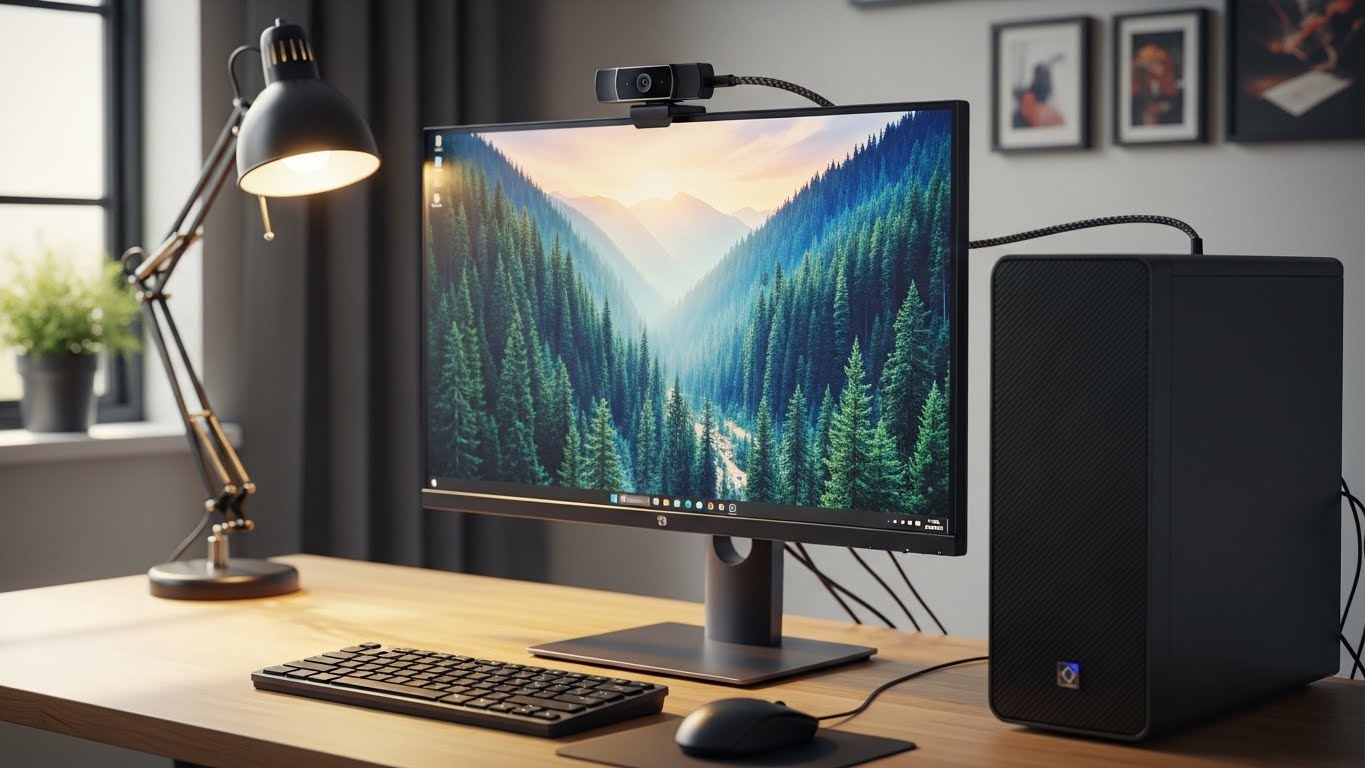
A great webcam isn’t about “4K” on the box—it’s about looking clear, natural, and well-lit on Zoom/Teams without fighting settings every meeting.
If your face looks grainy, washed out, or keeps going out of focus, the right webcam (plus the right setup) fixes it fast.
Below are the best options in this lineup (kept in the same order), with honest pros/cons and the best overall pick.
What actually matters for Zoom/Teams
- Autofocus that doesn’t hunt: Your face should stay sharp even when you move.
- Low-light performance: Cleaner image without looking like a blurry painting.
- Natural skin tones: Accurate color so you don’t look orange/green.
- Field of view (FOV): Wider isn’t always better—too wide can distort your face.
- Mic quality: Helpful for quick calls, but a headset mic usually sounds better.
Top webcams
1) 4K Webcam with Ring Light (TOF Autofocus, 1080p 60FPS, Privacy Cover)

Overview
A webcam designed for convenience: built-in ring light + fast autofocus. Great if your room lighting changes a lot or you don’t want to buy extra lighting.
Standout features
- Integrated ring light for brighter, more even face lighting
- TOF-style autofocus (aimed at faster face lock)
- Privacy cover for quick “camera off” protection
Pros
- Ring light helps a ton in dim rooms (less grain, cleaner skin tones)
- Quick setup for meetings—good “plug in and go” choice
- Nice for laptops and small desk setups where lighting is the main issue
Cons
- Built-in ring lights can be a bit harsh if set too bright
- If your background is messy, stronger lighting can make it more noticeable
- Image quality still depends on sensor + exposure tuning (not just the light)
Best for: People who want an easy upgrade for meetings and need better lighting without extra gear.
2) 4K Webcam for PC & Mac (PDAF Autofocus, Dual Noise-Canceling Mics, Auto Low-Light)

Overview
This one focuses on “meeting-friendly” features: PDAF autofocus, low-light correction, and dual mics. It’s meant to handle typical office lighting without much tweaking.
Standout features
- PDAF autofocus (usually quicker and steadier than basic AF)
- Auto low-light correction
- Dual noise-reduction microphones
Pros
- Strong feature set for Zoom/Teams calls
- Autofocus tends to be more stable for face tracking
- Good pick if you move around or present during meetings
Cons
- Auto low-light can sometimes brighten too much and wash out skin tones
- Built-in mics are convenient but not always “crisp” in noisy rooms
- Some webcams over-sharpen faces—worth adjusting settings if available
Best for: Daily Zoom/Teams users who want reliable focus and low-light help.
3) Logitech 4K Webcam (Premium 4K Option)

Overview
Logitech’s 4K webcams are often the “safe premium” choice: consistently solid autofocus, good exposure control, and more natural color than many budget 4K models.
Standout features
- Strong overall image processing (sharpness + exposure balance)
- Typically more consistent color and skin tone handling
- Reliable build quality and long-term software support
Pros
- More natural-looking video (less weird color shifts)
- Strong autofocus stability for meetings
- Better consistency across different lighting conditions
Cons
- Higher price than the other options
- You may still want a small light for the best low-light results
- Built-in mic is okay for emergencies, not a replacement for a dedicated mic/headset
Best for: People who want the most dependable “looks good on every call” webcam.
4) N newline 4K Webcam (PDAF/CDAF Autofocus, 1080p@60FPS, 79° FOV, Privacy Cover)
Overview
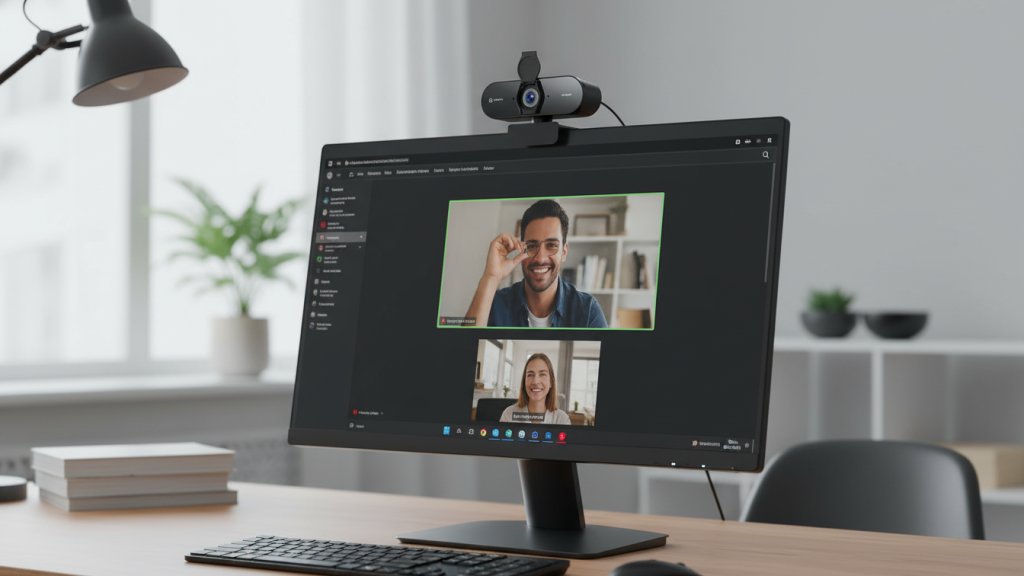
A feature-rich webcam with a practical 79° field of view (often a good sweet spot) plus 60FPS at 1080p, autofocus, and privacy cover.
Standout features
- 79° FOV: wide enough for posture/gestures without distortion
- 1080p 60FPS option (can look smoother in motion)
- Dual noise-reduction mics + privacy cover
Pros
- FOV is meeting-friendly (not too wide)
- Smooth video can look more natural when you move
- Good value if you want strong specs without premium pricing
Cons
- Low-light performance depends heavily on sensor quality and tuning
- Some models prioritize sharpness and can make faces look over-processed
- Mic quality varies; best paired with a headset for important calls
Best for: People who want smooth motion + a practical FOV for meetings and presentations.
Quick comparison: which one should you buy?
Best Overall (Zoom/Teams + natural look): ✅ Logitech 4K Webcam
Most consistent skin tones, exposure, and autofocus—great if you just want to look good without fuss.
Best for dark rooms / easiest upgrade: ✅ 4K Webcam with Ring Light
Lighting makes the biggest difference, and this bakes it in.
Best value for everyday work calls: ✅ 4K Webcam for PC & Mac (PDAF AF + low-light)
A strong feature mix for daily meetings.
Best for smoother motion + balanced framing: ✅ N newline 4K (79° FOV + 1080p60)
Nice if you talk with your hands or move a lot on camera.
My “optimal” pick
If you want the smartest buy for Zoom/Teams, natural skin tones, and reliable autofocus:
✅ Logitech 4K Webcam — Best Overall.
It’s the most consistent option here for looking professional in real-world lighting, especially across different rooms and times of day.
Fast setup tips to look instantly better (even with any webcam)
- Put the camera at eye level (stack books under your monitor if needed).
- Face a light source (window or lamp) instead of having it behind you.
- In Zoom/Teams, avoid max brightness—slightly lower exposure often looks more natural.
- If your skin looks too sharp, reduce “HD” enhancements or sharpening if the webcam software allows it.