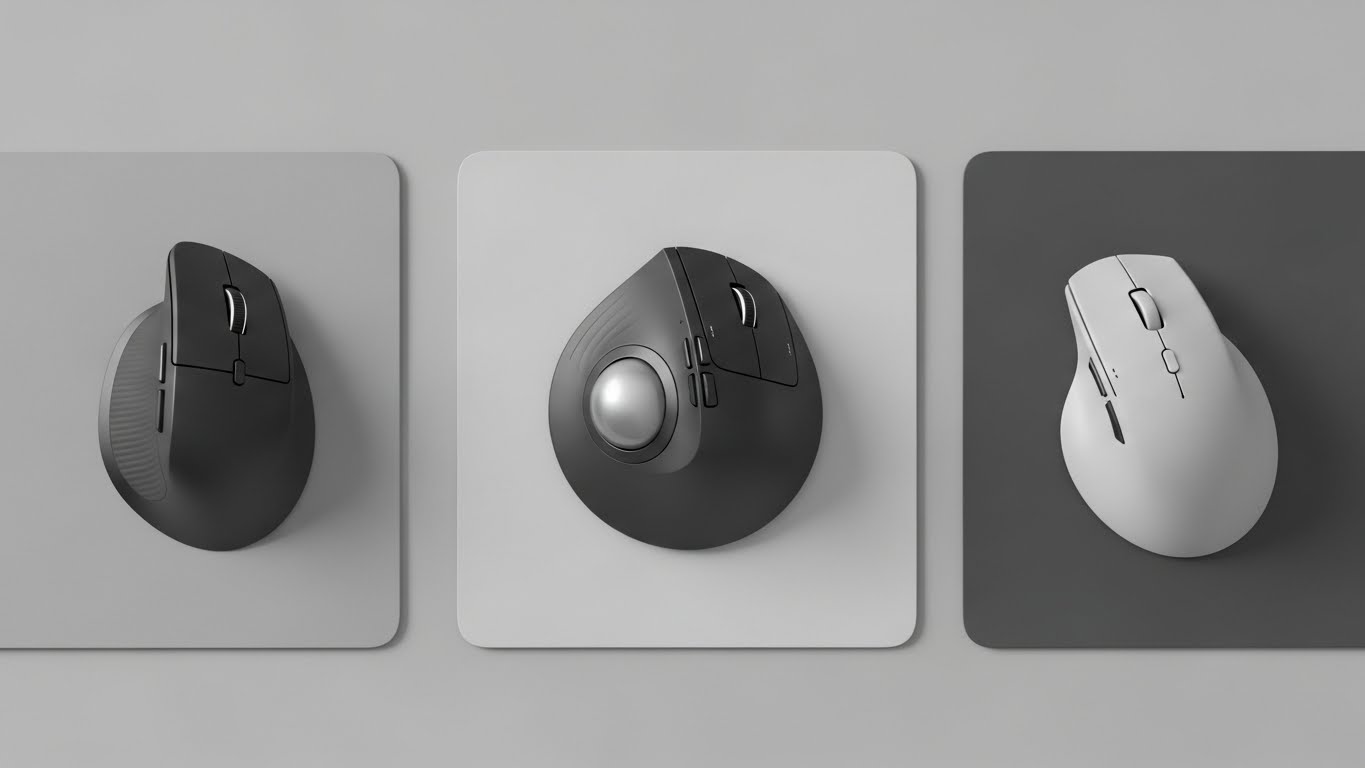
If your wrist starts aching after a few hours at the computer, it’s usually not because you’re “using it wrong”—it’s because your hand position is forcing extra strain. A good ergonomic mouse (especially a vertical one) can reduce forearm twisting and make long workdays feel much easier.
Below are four popular ergonomic mice (kept in the same order), with clear pros/cons, quick comparison, and the best overall pick.
Why vertical ergonomic mice can help
Traditional mice often keep your forearm rotated inward for long periods. Vertical mice place your hand closer to a “handshake” angle, which many people find:
- reduces wrist and forearm tension
- feels more natural for long scrolling/clicking sessions
- helps maintain a healthier posture when paired with good desk setup
Tip: Give yourself 2–3 days to adjust. The first hour can feel “weird,” then it usually starts feeling normal fast.
Top ergonomic mice for long hours
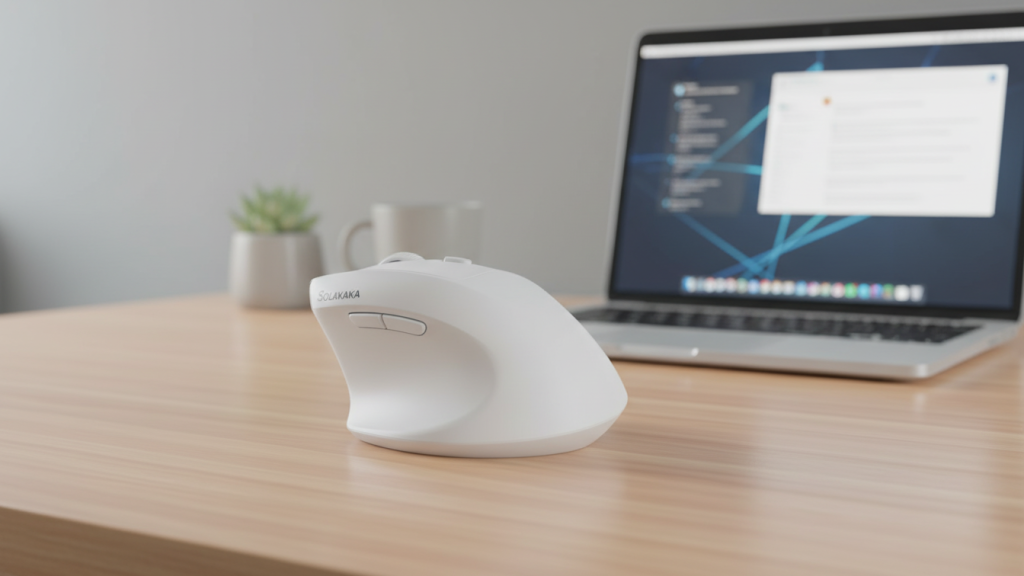
1) SOLAKAKA SM520 Ergonomic Vertical Mouse (Tri-Mode, White)
Overview
A vertical mouse designed for flexibility, with tri-mode connection options that work well if you switch between a laptop and a desktop.
Key comfort & performance features
- Tri-mode: Bluetooth + 2.4GHz receiver + USB-C wired option
- Programmable side button(s) for shortcuts
- Wide DPI range (useful more for flexibility than necessity)
Pros
- Great for multi-device setups (work laptop + desktop)
- Clean design and easy “carry + pair” convenience
- Vertical grip can feel more natural for wrist pain
Cons
- High DPI specs are often overkill for office use—comfort matters more
- Like many newer brands, long-term durability can vary
Who it’s best for
People who work across multiple devices and want one mouse that switches modes without hassle.
2) Uineer Ergonomic Wireless Vertical Mouse (Bluetooth + 2.4G, Rechargeable, Black)
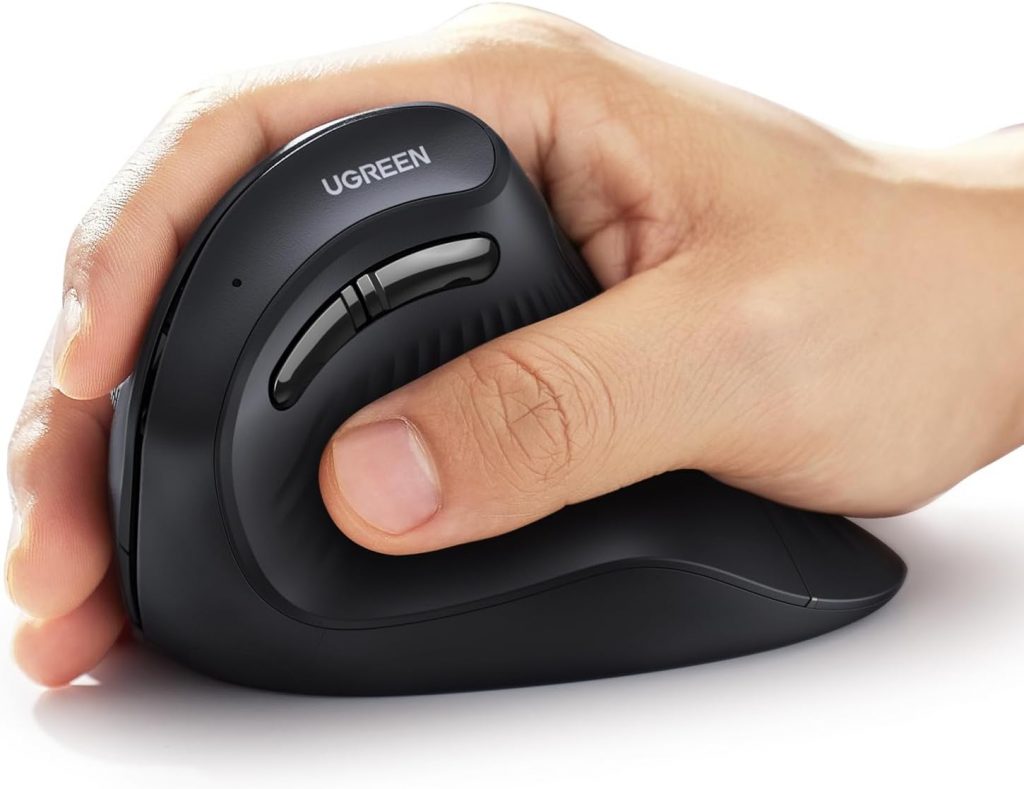
Overview
A rechargeable vertical mouse that focuses on everyday comfort, with both Bluetooth and 2.4G wireless options.
Key comfort & performance features
- Dual wireless modes: Bluetooth + 2.4G
- Rechargeable battery (often more convenient than swapping batteries)
- Ergonomic shape built for reduced wrist strain
Pros
- Rechargeable design is convenient for daily use
- Bluetooth helps when you’re short on USB ports
- Comfortable choice for long office sessions
Cons
- Vertical shape can take a short adjustment period
- Fit can be bulky if you have very small hands
Who it’s best for
Office users who want rechargeable convenience and Bluetooth flexibility.
3) Anker 2.4G Wireless Vertical Ergonomic Mouse (Black)
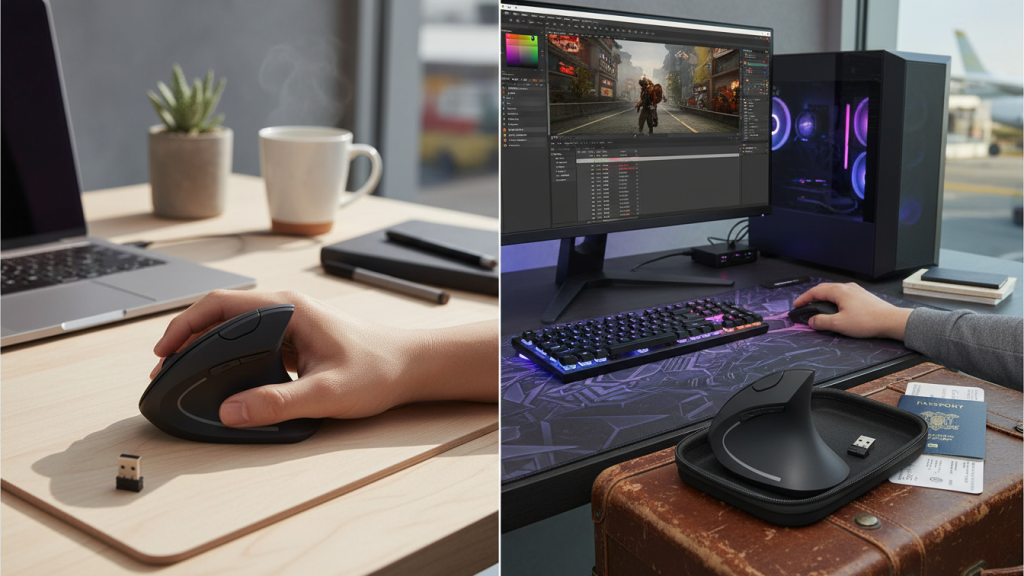
Overview
A straightforward, reliable vertical mouse that keeps things simple: plug in the receiver and go.
Key comfort & performance features
- 2.4G receiver connection (stable, low-fuss)
- Multiple DPI steps (common set like 800/1200/1600)
- Extra buttons for back/forward navigation
Pros
- Very easy setup and generally stable connection
- DPI steps are perfect for office work and multi-monitor setups
- Strong value and widely trusted brand
Cons
- Usually no Bluetooth, so it uses a USB port
- Not built for competitive gaming (fine for casual)
Who it’s best for
Anyone who wants the safest “buy it and it works” ergonomic option for long workdays.
4) LEKVEY Vertical Wireless Ergonomic Mouse (Rechargeable 2.4G, Black)
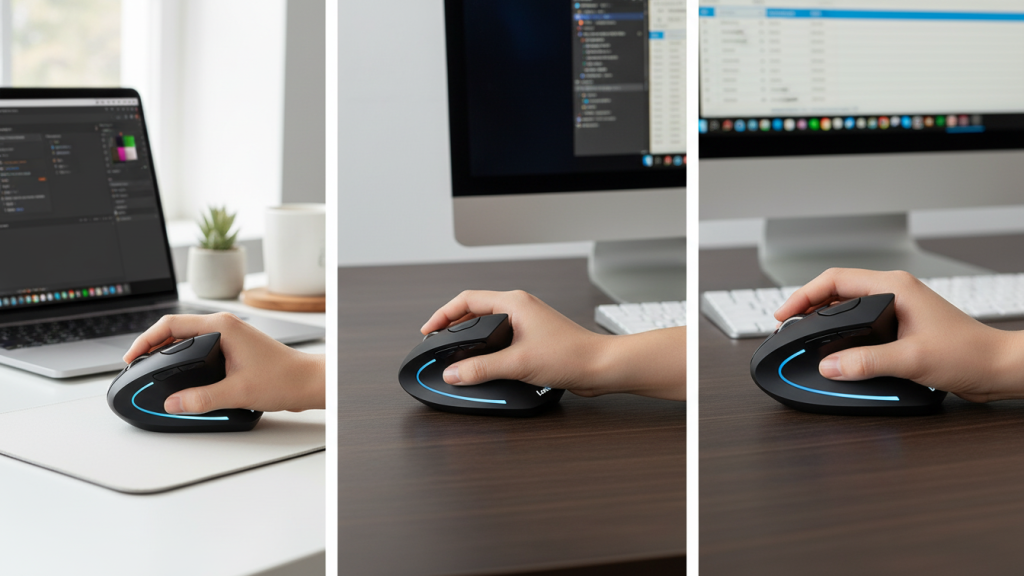
Overview
A value-focused ergonomic mouse with rechargeable power and practical buttons for productivity.
Key comfort & performance features
- Rechargeable battery
- 2.4G wireless receiver
- Extra buttons and adjustable DPI options
Pros
- Solid comfort for the price
- Rechargeable is convenient
- Extra buttons help for browsing, spreadsheets, and everyday shortcuts
Cons
- Receiver-only may not suit people who prefer Bluetooth
- Scroll wheel feel and button feel can vary on budget models
Who it’s best for
Budget shoppers who want a comfortable vertical mouse with rechargeable convenience.
Quick comparison: which one should you buy?
Best Overall (comfort + reliability): Anker 2.4G Vertical Ergonomic Mouse
Simple, stable, and consistently good for long office hours.
Best for Multi-Device Switching: SOLAKAKA SM520 Tri-Mode
Great if you swap between laptop and desktop and want one mouse for both.
Best Rechargeable Everyday Choice: Uineer Vertical Mouse
A good balance of comfort + dual wireless modes.
Best Budget Rechargeable Alternative: LEKVEY Vertical Mouse
A practical pick if you want vertical comfort without spending much.
Best pick (optimal choice)
If your main goal is reducing wrist pain and staying comfortable for long hours, the most reliable overall option from this list is:
✅ Anker 2.4G Wireless Vertical Ergonomic Mouse (Best Overall)
It focuses on the basics that matter: comfortable angle, stable connection, and simple daily use without extra setup headaches.
Extra tips to reduce wrist pain even more
- Keep the mouse close to your keyboard so your shoulder stays relaxed
- Avoid bending your wrist upward—try lowering your chair or raising your armrests slightly
- Use a large mouse pad so you move from the arm more than the wrist
- Take 20–30 seconds every hour to relax your grip and stretch your fingers