If you’re buying a keyboard today, the real question isn’t “which is better?”—it’s which feels right for how you actually use your computer.
Mechanical keyboards win on feel and durability, while membrane keyboards win on price and quiet simplicity.
Here’s a straight, practical guide to help you choose.
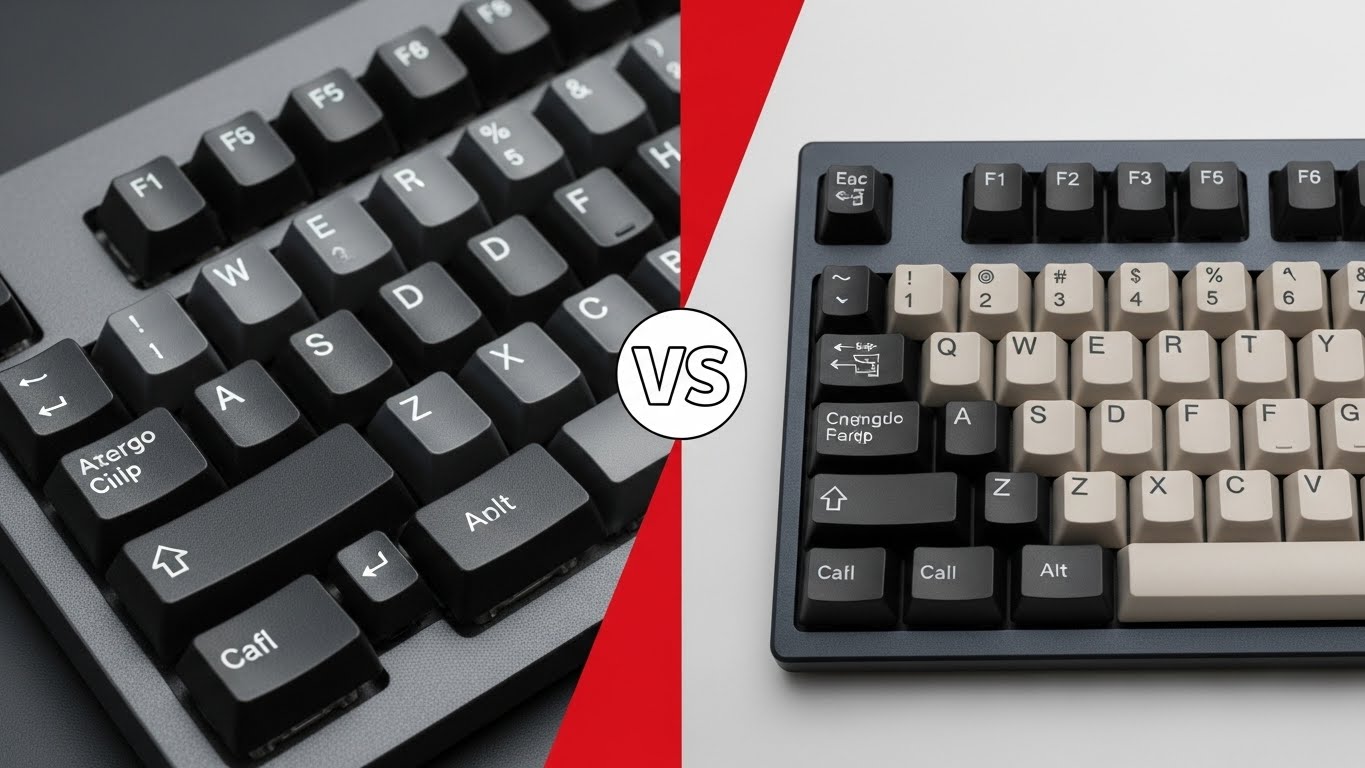
Membrane Keyboards
Mechanical Keyboards
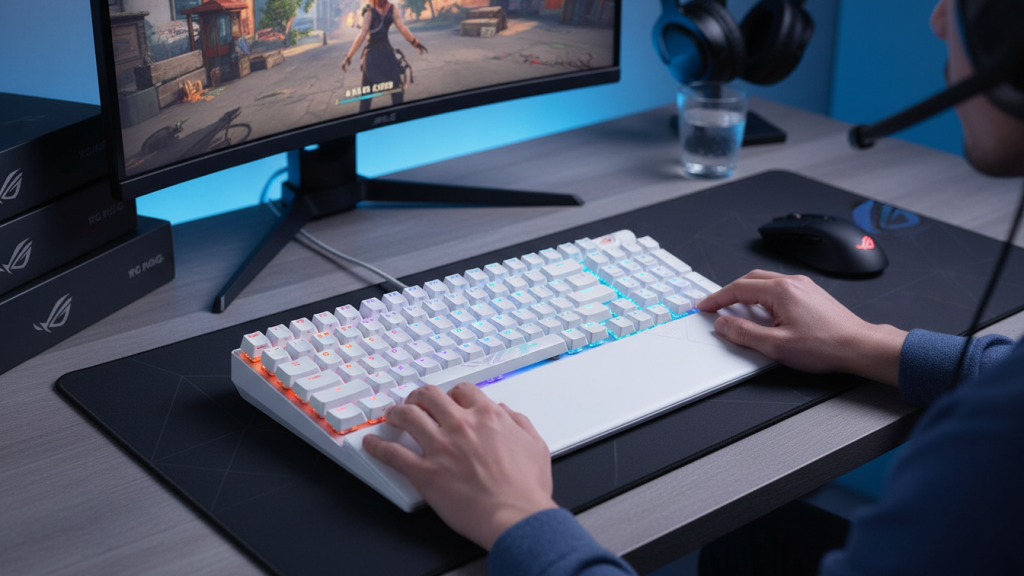
The quick difference
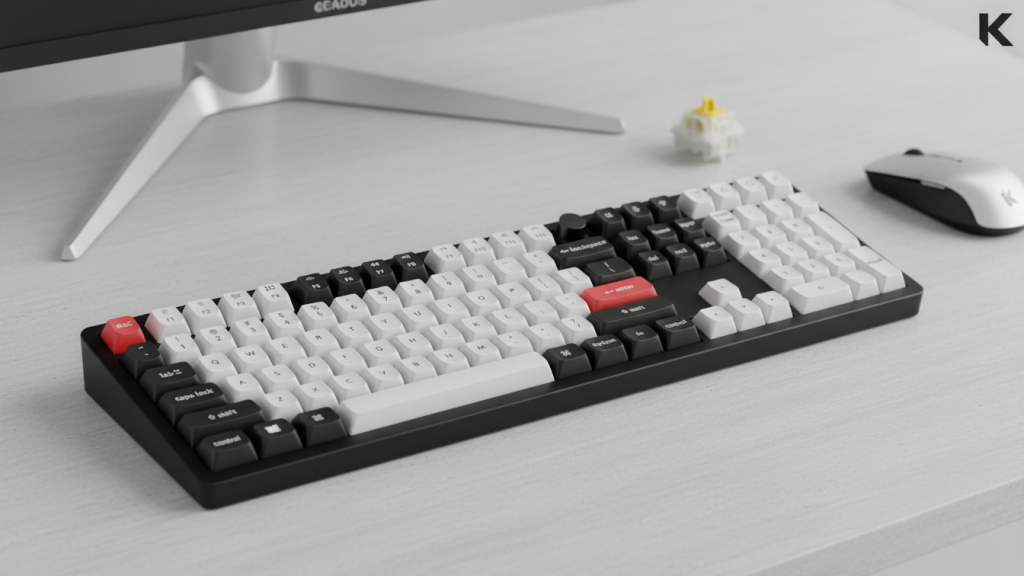
Mechanical keyboard
Each key has its own individual switch underneath (linear, tactile, clicky). That’s why they feel crisp and consistent.
Membrane keyboard
Keys press into a rubber dome layer that registers the keystroke. That’s why they’re usually softer and cheaper.
What you’ll feel day-to-day
Typing feel
- Mechanical: more precise, more consistent, usually more satisfying for long typing sessions.
- Membrane: softer, “mushy” to some people, but comfortable and forgiving if you type lightly.
Speed & accuracy
- Mechanical: easier to build muscle memory; cleaner actuation; better for fast typing and gaming.
- Membrane: totally fine for casual use, school, email, browsing—just not as “snappy.”
Noise level
- Mechanical: can be loud (especially clicky switches), but can also be very quiet if you choose silent/linear switches and dampening.
- Membrane: usually quieter out of the box.
Durability
- Mechanical: typically lasts much longer; keys keep a consistent feel over time.
- Membrane: can wear out sooner; keys may feel uneven after heavy use.
Which is best for your setup?
Choose Mechanical if you…
✅ Type a lot (work, school, writing, coding)
✅ Game often (especially FPS/MOBA)
✅ Want better feel, better consistency, and longer lifespan
✅ Like customizing (switches, keycaps, layouts, lighting)
Best mechanical switch types (simple guide):
- Linear (smooth): best for gaming + quiet builds
- Tactile (small bump): best for typing without loud clicks
- Clicky (bump + click sound): fun but loud—avoid if you share a room
Choose Membrane if you…
✅ Want the cheapest reliable option
✅ Need quiet typing with no extra effort
✅ Only use a keyboard for basic tasks (email, browsing, office work)
✅ Prefer soft keypresses and don’t care about “typing feel”
The hidden middle option (worth knowing)
“Mechanical-feel” / “Mecha-membrane” / “Hybrid”
These try to mimic mechanical feel but still use a membrane layer. Some are decent—just don’t expect true mechanical consistency.
My honest recommendation (most people)
- If you spend hours at your computer: go mechanical, but choose tactile or quiet linear switches.
- If you just need something affordable and quiet: membrane is totally fine and often the most hassle-free.
Quick decision cheat sheet
- Work + long typing hours: Mechanical (tactile or silent linear)
- Gaming + fast reactions: Mechanical (linear)
- Quiet office / shared room: Membrane or quiet mechanical
- Tight budget: Membrane
- Want best “buy once” value: Mechanical